 TechOffice
Samsung Messages to Shut Down in the US: A Guide to Transitioning to Google Messages
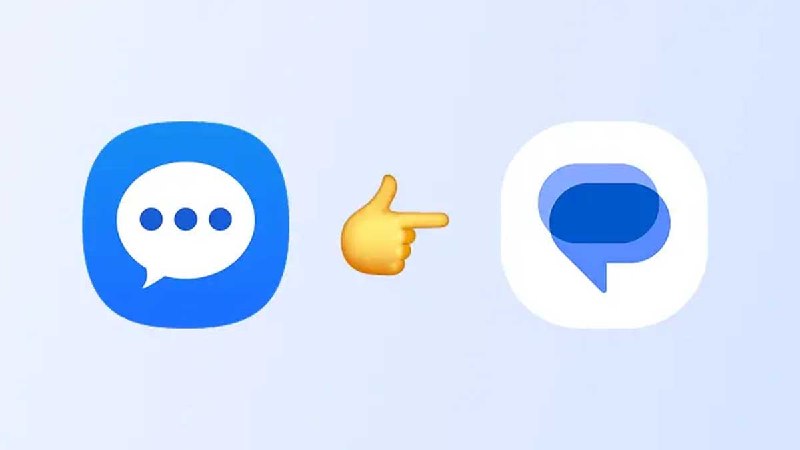
Samsung Messages US Shutdown: A Shift to Google Messages
In a significant announcement that impacts Galaxy users across the United States, Samsung has confirmed that its messaging service, Samsung Messages, will cease operations on July 8. Users still utilizing this platform are now receiving in-app notifications alerting them to this impending shutdown.
The End of an Era for Samsung Messages
Initially introduced as a key communication tool for Galaxy devices, Samsung Messages has offered a variety of features tailored specifically for Samsung users. However, as competition in the messaging app space intensifies, Samsung has made the decision to phase out this service within the US market.
As users grapple with the transition, it is essential to understand the implications of this shutdown and how to seamlessly switch to an alternate messaging platform. Google Messages has emerged as the recommended alternative for Samsung users, providing robust functionality and streamlined integration with Android devices.
Switchover Guide: Transitioning to Google Messages
Switching from Samsung Messages to Google Messages is a straightforward process. Below is a step-by-step guide to facilitate this transition:
- Download Google Messages: Visit the Google Play Store and search for "Google Messages." Download and install the app.
- Set as Default SMS App: Open Google Messages, and you will be prompted to set it as your default SMS app. Confirm the action.
- Transfer Conversations: Use the backup feature within Samsung Messages to export your conversations. Then, import them into Google Messages. Note that the process may vary based on device compatibility.
- Notify Contacts: Inform your contacts about the transition, particularly if using RCS features that enhance messaging interactivity.
Features of Google Messages
Google Messages is equipped with a myriad of features that not only mirror those available on Samsung Messages but also introduce enhancements for a better user experience:
| Feature | Samsung Messages | Google Messages |
|---|---|---|
| Rich Communication Services (RCS) | Limited functionality | Full support with advanced features |
| Message Backup | Device-specific | Cloud-based backup options |
| Integration with Other Google Services | Minimal | High-level integration with Google Assistant and more |
| Search Functionality | Basic | Advanced with filters and categories |
Concluding Thoughts
The upcoming shutdown of Samsung Messages marks a pivotal moment for users who rely on this service for daily communication. However, the transition to Google Messages presents an opportunity to embrace a more robust messaging platform that enhances connectivity and user experience. By following the outlined steps, Galaxy users can ensure a seamless transition and continue their messaging activities without disruption.
As Samsung officially turns the page on its messaging service, it is essential for users to adapt to this change promptly to avoid any disruption in their communication needs.
Samsung Messages US shutdown is officially near: Here’s how to switch to Google Messages July 8 is the date when Samsung Messages will shutdown in the US. Galaxy users who are still on Samsung Messages are seeing an in-app notification. https://www.sammyfans.com/2026/07/01/samsung-messages-us-shutdown-is-officially-near/ Samsung Messages US shutdown is officially near: Here’s how to switch to Google Messages July 8 is the date when Samsung Messages will shutdown in the US. Galaxy users who are still on Samsung Messages are seeing an in-app notification. https://www.sammyfans.com/2026/07/01/samsung-messages-us-shutdown-is-officially-near/


